iPhone Speaker Repair: Costs, Fixes & When to Sell
Can’t hear phone calls? Does your iPhone speaker sound muffled, distorted, or completely silent? Speaker problems are common, especially on older devices that have been exposed to dust, moisture, or everyday wear and tear.
Fortunately, you have several options: clean the speaker, repair it yourself, use a professional repair service, file an insurance claim, or sell your iPhone as-is.
Here’s what iPhone speaker repair costs and how to determine whether repairing your device makes financial sense.
iPhone speaker repair costs
| iPhone Speaker Repair Option | Estimated Price Range |
| DIY Repair | $10 – $100 |
| Professional Repair Service | $69 – $249 |
| Apple Repair Service | $99 – $349 |
| Phone Insurance Claim | $0 – $149 |
Repair costs vary based on your iPhone model, the speaker affected (ear speaker or loudspeaker), and whether additional components need replacement.
Option #1: Clean the speaker
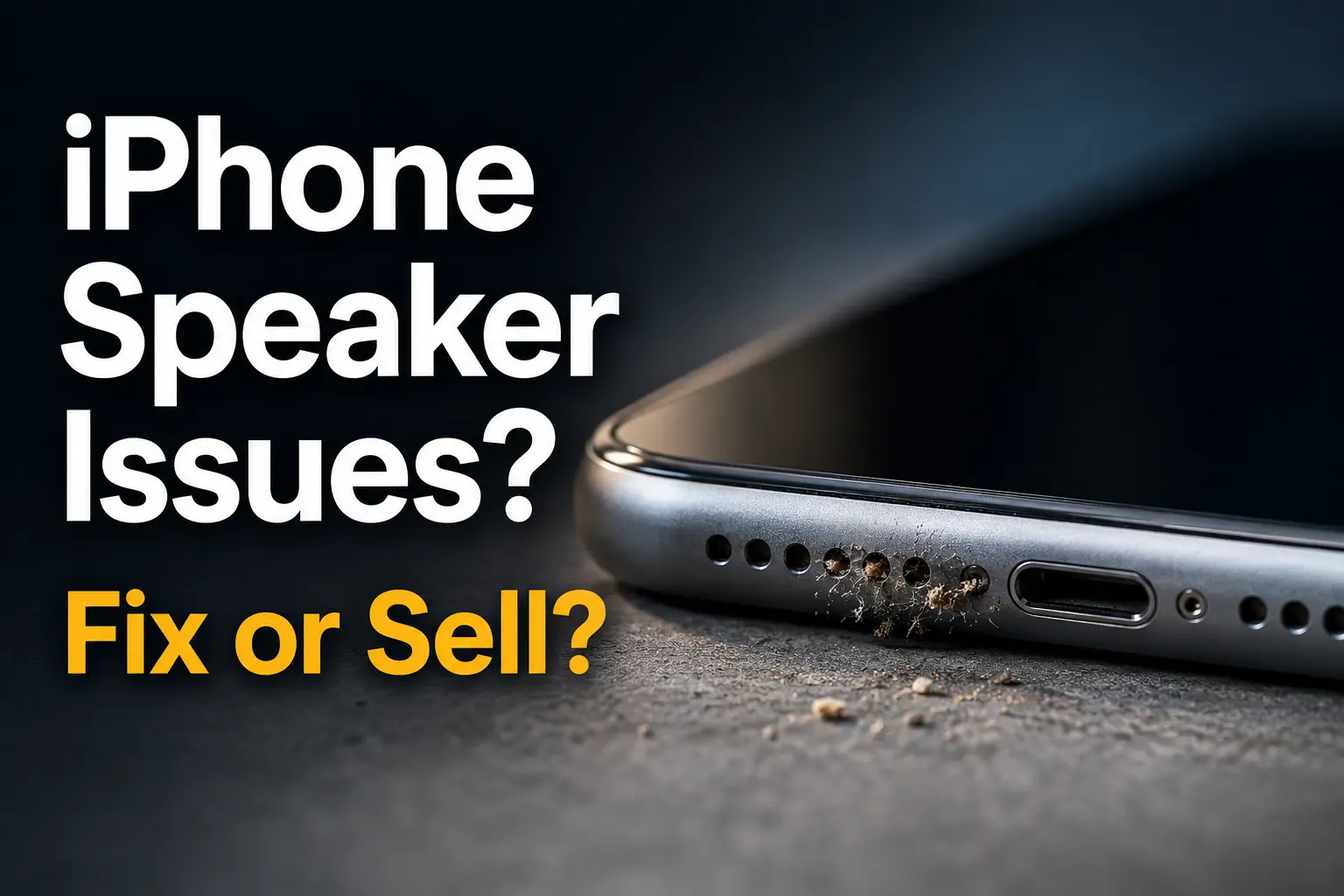
Before paying for repairs, inspect your speaker grille for dust, pocket lint, dirt, or debris.
In many cases, poor sound quality is caused by buildup blocking the speaker openings rather than a failed speaker component. A soft brush, compressed air used carefully, or a specialized electronics cleaning tool may restore normal volume.
If cleaning doesn’t solve the issue, the speaker itself may need repair or replacement.
Option #2: DIY iPhone speaker repair – $10 to $100
If you’re comfortable working on electronics, replacing an iPhone speaker yourself can be relatively inexpensive.
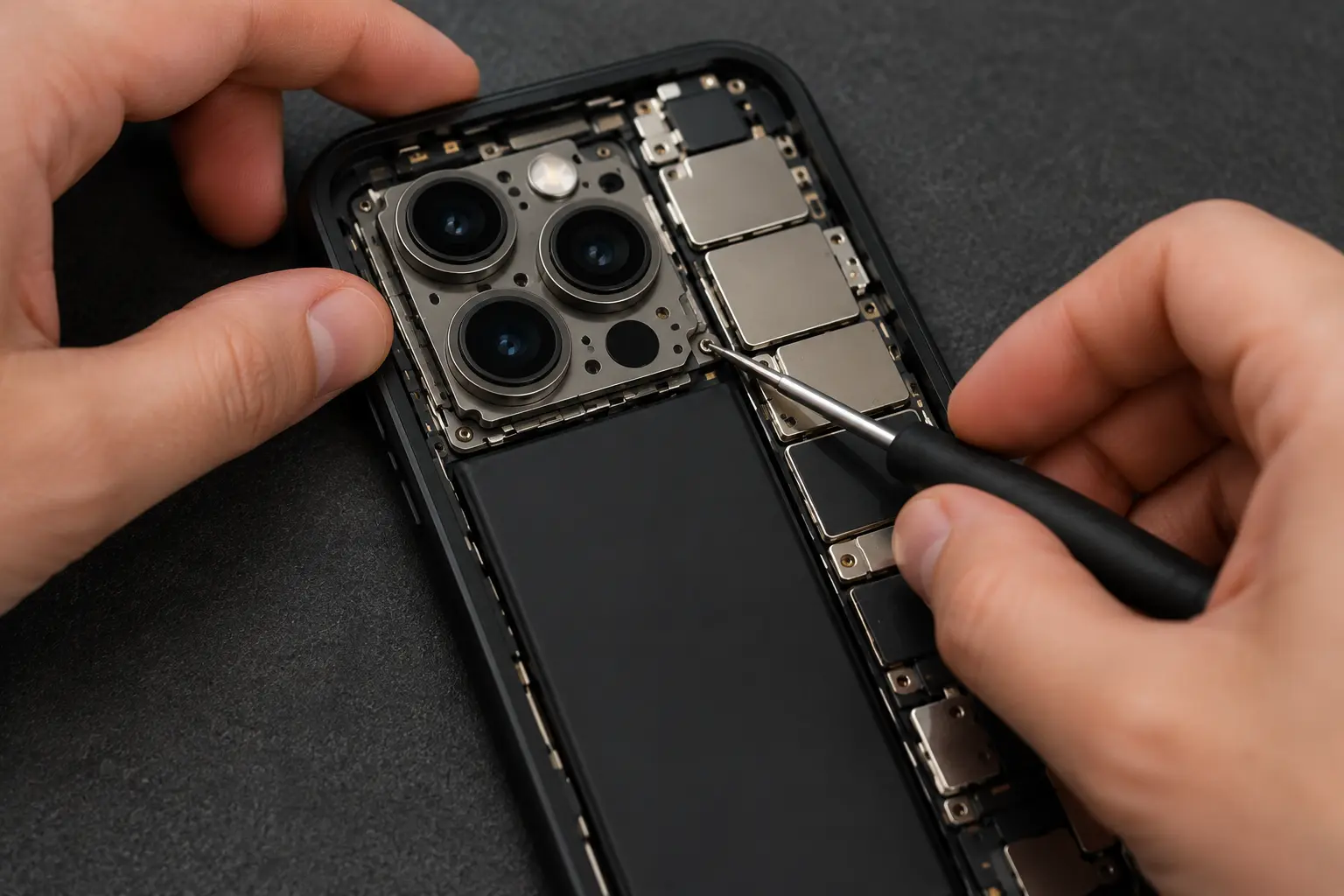
Replacement speaker assemblies generally cost between $10 and $100 depending on your model. However, the repair still requires opening the device, disconnecting delicate cables, and removing adhesives.
Newer iPhones are especially challenging because repairs can impact water resistance and other components if performed incorrectly.
You can find detailed step-by-step instructions on sites like iFixit and YouTube. Here’s an example for the iPhone 15
Option #3: Professional iPhone speaker repair – $69 to $249
Most people choose professional repair when speaker problems can’t be resolved through cleaning or software troubleshooting.
Many local repair shops can replace a speaker assembly the same day. Mail-in repair services are another option if you don’t have a repair provider nearby.
Expect to pay between $69 and $249 depending on your iPhone model and whether the top earpiece speaker, bottom loudspeaker, or both require replacement.
Independent repair shops are often less expensive than Apple, though repair quality and parts may vary.
Option #4: File an insurance claim – $0 to $149
If your speaker issue resulted from accidental damage and you’re covered by AppleCare+ or carrier insurance, filing a claim may be your least expensive option.
Most plans require a deductible that ranges from $0 to $149 depending on the device and coverage level.
Review your coverage carefully, as some plans may treat speaker issues differently depending on the cause of the damage.
Option #5: Sell your iPhone with a bad speaker
If repair costs are high or you’re planning to upgrade anyway, selling your iPhone may be the better financial decision.
Many buyers and trade-in companies purchase iPhones with speaker problems, though you’ll typically receive less than you would for a fully functional device.
Selling often makes sense if:
- Your iPhone has multiple issues
- Repair costs are close to the phone’s value
- You’re ready for an upgrade
- The device is several years old
Common iPhone speaker problems
- No sound during phone calls
- Muffled speaker audio
- Crackling or distorted sound
- Speaker volume is very low
- Loudspeaker not working
- Earpiece speaker not working
- Audio cuts in and out
- Water-damaged speaker
Why is my iPhone speaker not working?
Not every speaker problem requires a repair. In many cases, the issue is caused by dirt, software glitches, or settings that can be fixed in just a few minutes.
Common reasons your iPhone speaker isn’t working include:
- Dust and debris: Pocket lint and dirt can block the speaker grille and reduce volume.
- Water damage: Moisture can temporarily muffle sound or permanently damage speaker components.
- Bluetooth connections: Your iPhone may still be connected to wireless headphones, speakers, or your vehicle.
- Software issues: iOS bugs or app glitches can occasionally interfere with audio output.
- Audio settings: Volume limits, Focus modes, or other settings may affect speaker performance.
- Physical damage: Drops and impacts can damage the earpiece speaker, loudspeaker, or related components.
Before paying for repairs, try these troubleshooting steps:
- Restart your iPhone.
- Remove any case or screen protector that may be blocking the speaker.
- Check that your iPhone isn’t connected to a Bluetooth device.
- Clean the speaker grille with a soft brush.
- Install the latest version of iOS.
- Test the speaker using multiple apps and phone calls.
If none of these steps restore normal sound, the speaker assembly may need repair or replacement.
iPhone 15 Net Value After Speaker Repair vs. Broken Value
| Repair Method | Value (Good Condition) |
– Repair/Deductible Cost | = Net Value After Repair |
| DIY | $400 | $100 | $300 |
| AppleCare+ | $400 | $29 | $371 |
| Carrier Insurance | $400 | $49 | $351 |
| Independent Repair Shop | $400 | $175 | $225 |
| Apple Repair (Out of Warranty) | $400 | $299 | $101 |
| Sell With Bad Speaker (As-Is) | $175 | $0 | $175 |
These figures were based on the resale value of the iPhone 15 128GB Unlocked and in Good condition. Actual repair costs and resale values vary by model, condition, and market demand.
In this example, lower-cost repair methods produce a higher net value than selling the phone with a bad speaker. However, expensive out-of-warranty repairs can reduce your net return substantially.
Is iPhone speaker repair worth it?
Speaker repair is often worthwhile because repair costs are typically lower than other common iPhone repairs such as screen or camera replacement.
However, if your iPhone has additional problems or the repair estimate approaches the device’s resale value, selling it may be the better option.
FAQ
Why is my iPhone speaker so quiet?
Low speaker volume is often caused by debris buildup, software settings, moisture exposure, or a failing speaker component.
Can Apple replace an iPhone speaker?
Yes. Apple can repair or replace faulty speaker components, though pricing varies by model and warranty status.
Can I repair an iPhone speaker myself?
Yes, but speaker replacement requires opening the device and should only be attempted by those comfortable performing electronics repairs.
Can I sell an iPhone with a broken speaker?
Yes. Many buyers purchase iPhones with speaker problems, though offers are typically lower than those for fully functional devices.
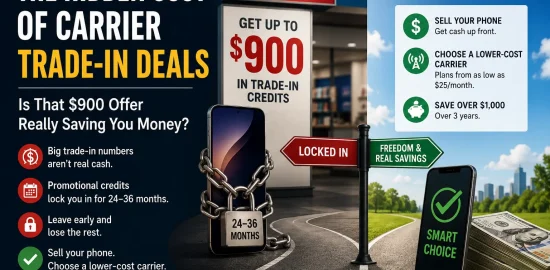
Next: Hidden Cost of the Verizon Trade-In Deal: Is That Offer Really Saving You Money?
 Sell Your iPhone in Dallas: Where to Get the Most Cash
  Hidden Cost of the Verizon Trade-In Deal: Is That Offer Really Saving You Money?
  iPhone Speaker Repair: Costs, Fixes & When to Sell
  iPhone Camera Repair: Costs, Options & Where to Sell
  Dead iPhone Battery Replacement Guide: DIY or Hire It Out?
  iPhone Screen Repair Options & Cost: Is It Worth Fixing?