How to Reset Your Apple Device Before You Sell It
Ready to sell your iPhone, iPad, iPod or Apple Watch? You need to protect your data with a factory reset. Here’s how to reset your Apple device to factory settings.
How to reset an iPhone, iPad or iPod
STEP 1: Back up your device
- Connect your device to Wi-Fi
- Browse to SETTINGS > YOUR NAME > ICLOUD (or just SETTINGS > ICLOUD)
- Make sure iCloud Backup is enabled and tap BACK UP NOW
- Alternatively, you can connect your device to your computer and back up via iTunes
STEP 2: Turn off Activation Lock/Find My iPhone & sign out of iCloud & App Store
On iOS 10.3 or later:
- Browse to SETTINGS > YOUR NAME > ICLOUD > FIND MY IPHONE
- Turn off FIND MY IPHONE
- Browse to SETTINGS > YOUR NAME > ICLOUD
- Select SIGN OUT
- Enter your Apple ID password and select TURN OFF
On iOS 10.2 or earlier:
- Browse to SETTINGS > ICLOUD > FIND MY IPHONE
- Turn off FIND MY IPHONE
- Browse to SETTINGS > ICLOUD
- Select SIGN OUT
- Enter your Apple ID password to sign out
- Browse to SETTINGS > ITUNES & APPE STORE > APPLE ID > SIGN OUT
Notes: If you’re switching to a non-Apple phone, you should deregister iMessage by browsing to SETTINGS > MESSAGES and toggling off iMessage.
If you have an Apple Watch, keep it close to your iPhone and unpair it by browsing to APPLE WATCH > MY WATCH > INFO SYMBOL > UNPAIR APPLE WATCH. If you have a cellular plan, remove it when prompted.
STEP 3: Reset to factory settings
- Browse to SETTINGS > GENERAL > RESET
- Select ERASE ALL CONTENT AND SETTINGS
- You might need to enter your passcode
- Select ERASE
- Your device will reset to factory settings
How to reset an Apple Watch
From a paired iPhone:
- Open the Apple Watch app on your paired iPhone
- Browse to MY WATCH > GENERAL > RESET
- Select Erase Apple Watch Content and Settings, then confirm (you might need to enter your Apple ID password)
- If prompted, remove your cellular plan
- Your Apple Watch will reset to factory settings
Without a paired iPhone:
- Place your apple Watch on its charger
- Hold the side button until the Power Off screen appears
- Press the Power Off slider firmly, but do not slide it
- Select Erase All Content and Settings
- Your Apple Watch will reset to factory settings
Next: How to Reset Your Android Device Before You Sell It
 Sell Your iPhone in Dallas: Where to Get the Most Cash
  Hidden Cost of the Verizon Trade-In Deal: Is That Offer Really Saving You Money?
  iPhone Speaker Repair: Costs, Fixes & When to Sell
 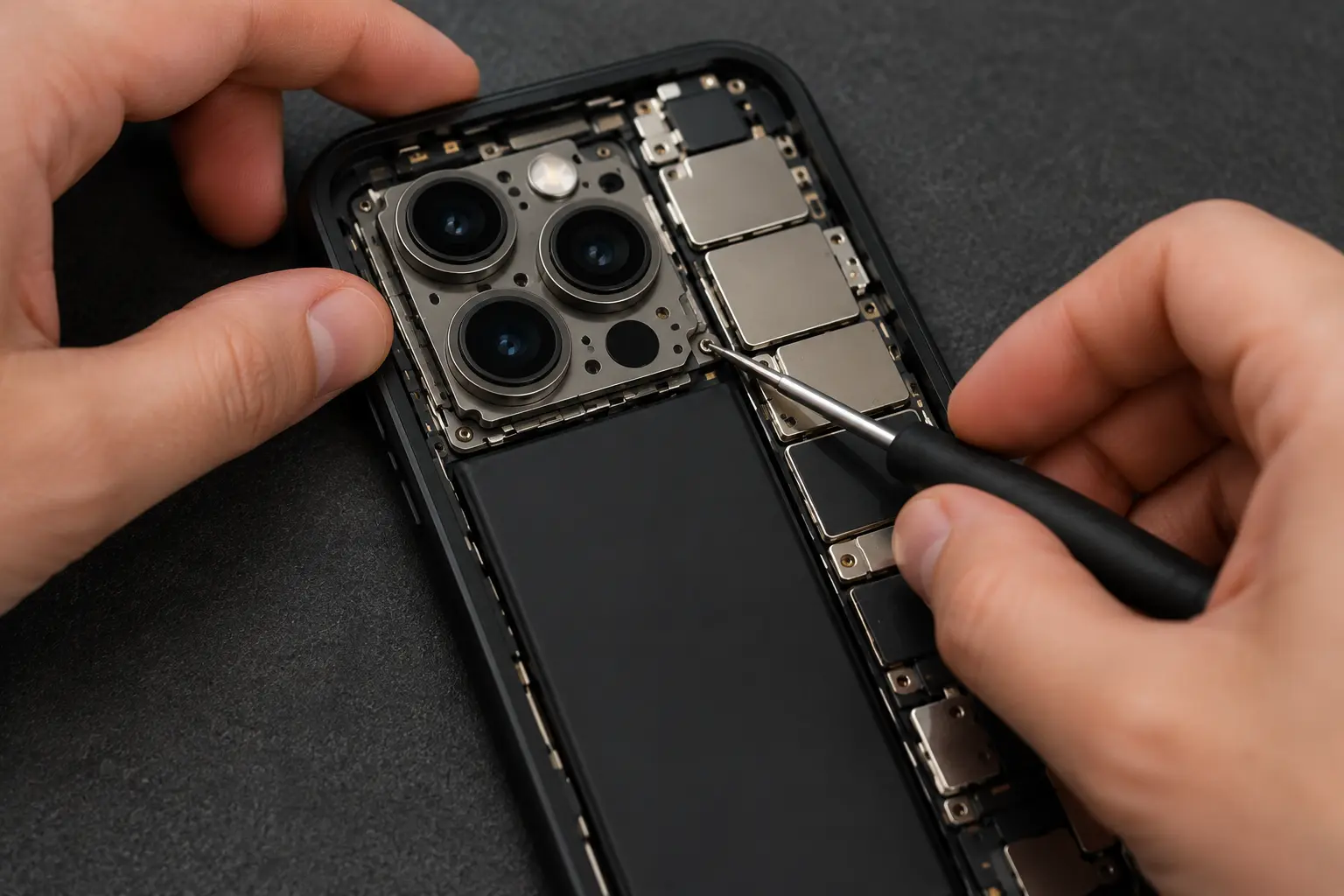 iPhone Camera Repair: Costs, Options & Where to Sell
  Dead iPhone Battery Replacement Guide: DIY or Hire It Out?
  iPhone Screen Repair Options & Cost: Is It Worth Fixing?