How to Find the Storage Capacity of Your Android Phone
Need to know how many GB’s of space your Android phone has? Here’s how to check your Android capacity
Want to sell your Android phone and need to know its capacity? You might also need to know your phone’s capacity if you’re having it repaired or simply need to free space for more apps or files. Measured in gigabytes (GB’s), and often mistakenly called memory, it’s simple to find out how much capacity your Android phone has.
In general, you can find your Android’s capacity in two steps:
STEP 1: Browse to SETTINGS > STORAGE
STEP 2: The total capacity of your Android phone will be displayed under TOTAL SPACE
The process is illustrated in this video:
If you have an SD card (expandable storage), you’ll typically see an option to view its storage capacity as well. Note that some modern phones only have internal storage and do not come equipped with SD card slots.
| Have an iPhone? Here’s how to check an iPhone’s storage capacity |
Some phones have slightly different steps. In that case, you can search online for how to find your Android phone’s capacity or search your phone’s settings for “storage.” For example, you need to follow these steps to find the storage capacity of a Samsung Galaxy S10:
STEP 1: Browse to SETTINGS > DEVICE CARE
STEP 2: Select STORAGE
Here’s a video overview that also demonstrates how to take a deeper dive into your storage data:
Next: T-Mobile Trade-In Value Good Deal or not?
 Sell Your iPhone in Dallas: Where to Get the Most Cash
  Hidden Cost of the Verizon Trade-In Deal: Is That Offer Really Saving You Money?
  iPhone Speaker Repair: Costs, Fixes & When to Sell
 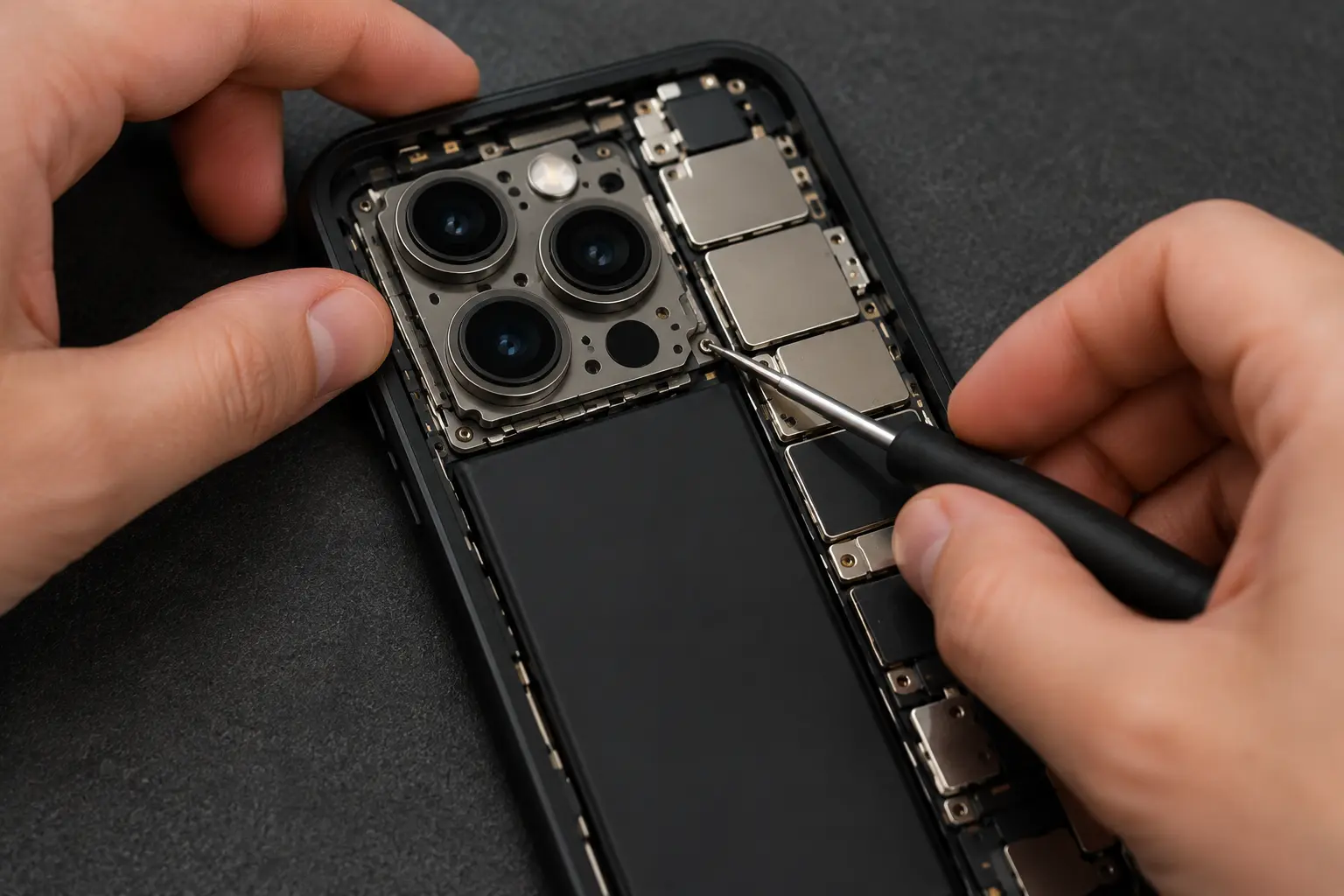 iPhone Camera Repair: Costs, Options & Where to Sell
 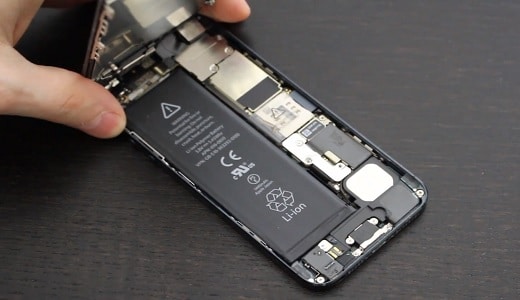 Dead iPhone Battery Replacement Guide: DIY or Hire It Out?
  iPhone Screen Repair Options & Cost: Is It Worth Fixing?